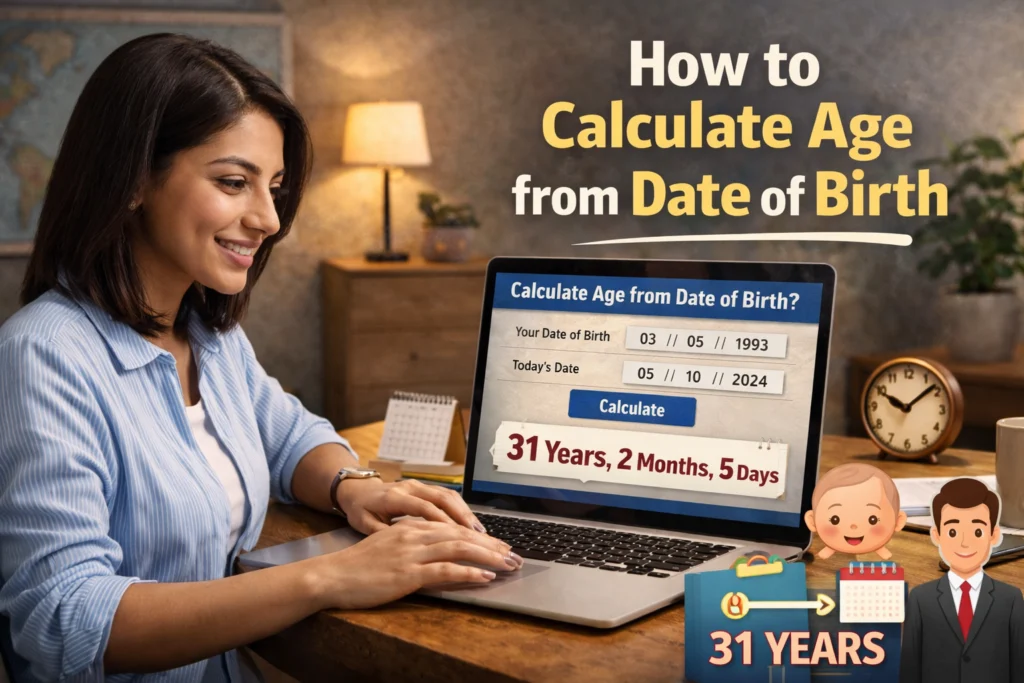
Why Knowing How to Calculate Age from Date of Birth Matters
Knowing how to calculate age from date of birth is important for many real-world tasks: school admissions, government job eligibility, passport forms, retirement calculations, insurance, and legal age verifications. Small errors (ignoring leap years or mishandling months) can cause rejection of important applications — so accuracy matters.
Overview — 5 Methods to Calculate Age from Date of Birth
- Manual date subtraction (step-by-step)
- Using an online age calculator (fast & accurate)
- Excel method — DATEDIF formula
- Using programming or scripts (for developers)
- Mobile apps and built-in device calculators
1) Manual Method — Step-by-Step (Best to understand the logic)
Manual calculation helps you understand the logic behind age computation. Follow these steps carefully to calculate age from date of birth without tools.
- Write down the Date of Birth (DOB): e.g., 15 March 2000.
- Write down the Current Date: e.g., 7 March 2026.
- Subtract years: 2026 − 2000 = 26 years (temporary).
- Adjust months and days: If current month/day is earlier than birth month/day, reduce one year and add appropriate months/days.
- Count leap years if doing days calculations: add one extra day for each leap year passed between DOB and current date when calculating total days.
Example (detailed):
DOB: 15 March 2000
Current date: 7 March 2026
Initial year difference: 2026 − 2000 = 26 → but since current date (7 March) is before birthday (15 March) in 2026, subtract 1 year → 25 years.
Now calculate months/days: from 15 March 2000 to 7 March 2026 is 25 years, 11 months, and 20+ days depending on exact counting method. Manual counting is error-prone — so for exact days use an online calculator or Excel.
2) Easiest & Most Reliable — Use an Online Age Calculator
Online calculators are best when you want quick, precise results (years, months, days, sometimes hours/minutes). They automatically handle leap years and date-format issues.
Use our internal tools for quick results:
- Age Calculator — calculate years, months, days instantly.
- Days Between Two Dates Calculator — ideal for exact day counts.
External trusted references used for demographic and date-handling best practices:
- World Health Organization — population & demographic methods
- United Nations — population data and standards
- Wikipedia — overview on age and definitions
3) Calculate Age from Date of Birth in Excel (DATEDIF formula)
Excel is perfect for bulk calculations (e.g., school lists, employee databases). The most useful Excel function is DATEDIF, which returns years, months, or days between two dates.
Examples:
To get years:
=DATEDIF(A2, TODAY(), "Y")
To get remaining months (after years):
=DATEDIF(A2, TODAY(), "YM")
To get remaining days (after years and months):
=DATEDIF(A2, TODAY(), "MD")
Full age string example (years, months, days):
=DATEDIF(A2,TODAY(),"Y") & " Years, " & DATEDIF(A2,TODAY(),"YM") & " Months, " & DATEDIF(A2,TODAY(),"MD") & " Days"
Note: Replace A2 with the cell containing DOB. Excel handles leap years automatically when comparing dates.
4) Programmatic Methods (For Developers)
If you are building a web app or processing large datasets, programmatic date libraries make this simple and reliable. Examples:
- JavaScript: use
Dateobjects or libraries likeluxon/dayjs/moment.jsfor robust date difference functions. - Python: use
datetimeanddateutil.relativedeltato compute years/months/days precisely. - PHP: use
DateTimeanddiffmethods.
Programmatic approaches are best when integrating an age calculator into a website (like your agecalculators.co.in tools).
5) Mobile Apps & Built-in Device Calculators
Many phones and apps provide quick date difference calculators. For casual uses (social media milestones), a mobile calculator is convenient — but for official forms prefer Excel or an online tool that you can screenshot or print.
Common Use Cases — When You Need to Calculate Age from Date of Birth
- School Admissions: many schools require exact age (years & months) for class placement.
- Government Job Eligibility: age limits are strict for exams (e.g., SSC, banking) — always use an accurate calculator.
- Passport & Visa Forms: require DOB and may auto-calculate age; still check manually for accuracy.
- Insurance & Pension: policies and retirement rules often depend on exact age.
- Legal Age Verification: marriage age, driving age, or other legal thresholds require accurate computation.
Common Mistakes to Avoid
- Ignoring Leap Years: adds one extra day roughly every four years — crucial for day-accurate calculations.
- Wrong Date Format: mixing DD/MM/YYYY and MM/DD/YYYY leads to wrong results — always confirm format.
- Subtracting Years Only: ignoring months and days leads to off-by-one-year errors near birthdays.
- Manual Counting Errors: counting months/days incorrectly — prefer Excel or an online tool for precision.
Step-by-Step Example — Multiple Scenarios
Below are multiple worked examples so you can test manually and then verify with a calculator or Excel.
| Example | DOB | Current Date | Result (Years, Months, Days) |
|---|---|---|---|
| Exact birthday | 10 Jan 2000 | 10 Jan 2026 | 26 years, 0 months, 0 days |
| Before birthday this year | 15 March 2000 | 7 March 2026 | 25 years, 11 months, 20+ days (verify exact days with a calculator) |
| Leap year born | 29 Feb 2004 | 1 Mar 2025 | 21 years, 0 months, 1 day (depending on counting) |
Accuracy — How Precise Are Different Methods?
Manual: good to understand logic but error-prone for exact days.
Excel: very accurate for bulk data and uses real date arithmetic.
Online calculators: fastest and accurate for single calculations because they handle leap years and format issues automatically.
SEO & Practical Tips When Using Age Calculations on Your Site
- Always show the date format you expect (DD/MM/YYYY or MM/DD/YYYY) near the input fields.
- Provide a “How we calculate” small note — mention leap year handling to build trust.
- Offer a printable result or a copy button for application forms.
- Add internal links to related calculators (Age Calculator, Days Between Dates) to increase session duration and interlinking.
Recommended internal links to add in the content (use these anchor texts):
Conclusion — Best Practice to Calculate Age from Date of Birth
To accurately calculate age from date of birth for official work, prefer Excel or a reliable online age calculator. For bulk tasks use Excel DATEDIF; for one-off checks use the site calculators. Manual methods are useful to understand the process but are not recommended for official verification because of leap-year and month/day adjustments.
Want me to convert this into a Gutenberg-ready version with 3 optimized images, internal linking automatically inserted, and Rank Math 95+ micro-optimizations? I can do that next — just say “Optimize Blog 2” and I’ll deliver the ready-to-publish file.
Frequently Asked Questions
How do I calculate age from date of birth?
You can calculate age from date of birth manually, with Excel (DATEDIF), using an online calculator, or with programming libraries. For accuracy use Excel or an online tool that handles leap years.
Which formula in Excel calculates age?
Use DATEDIF. Example: =DATEDIF(A2, TODAY(), “Y”) returns years. Combine with “YM” and “MD” for months and days.
Do I need to consider leap years?
Yes. Leap years add one extra day roughly every 4 years and must be considered if you need precise day counts.
What is the easiest way to calculate age from date of birth?
The easiest is using an online age calculator which automatically computes years, months and days with high accuracy.
Can Excel handle many DOBs at once?
Yes. Excel is ideal for bulk calculations (school lists, employee databases) using DATEDIF or custom date functions.